
Teams are created on AxIT Connect.
-
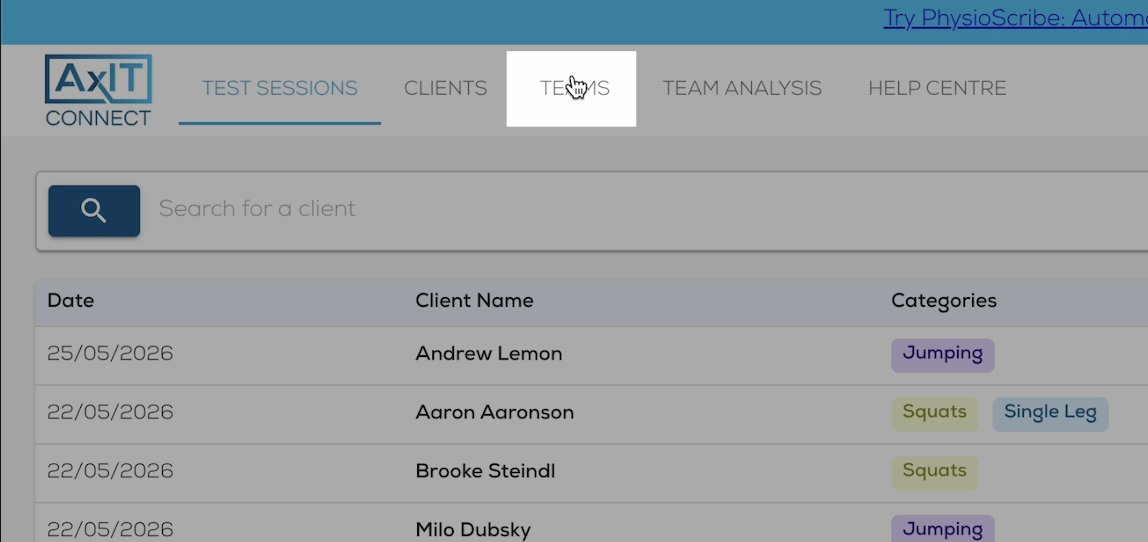
Log in to AxIT Connect and click on the "Teams" tab
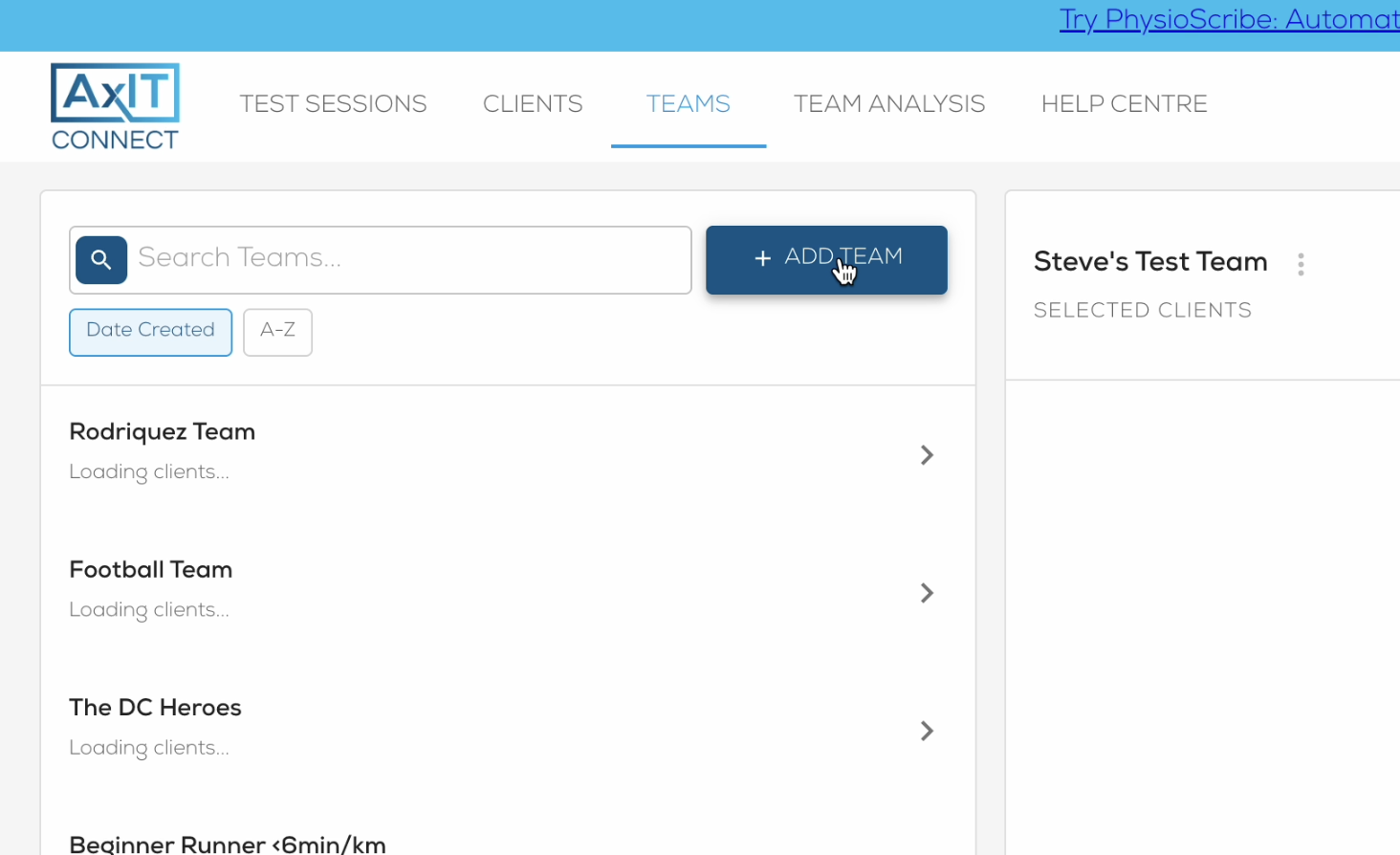
- Click "Add Team" and define the team name.
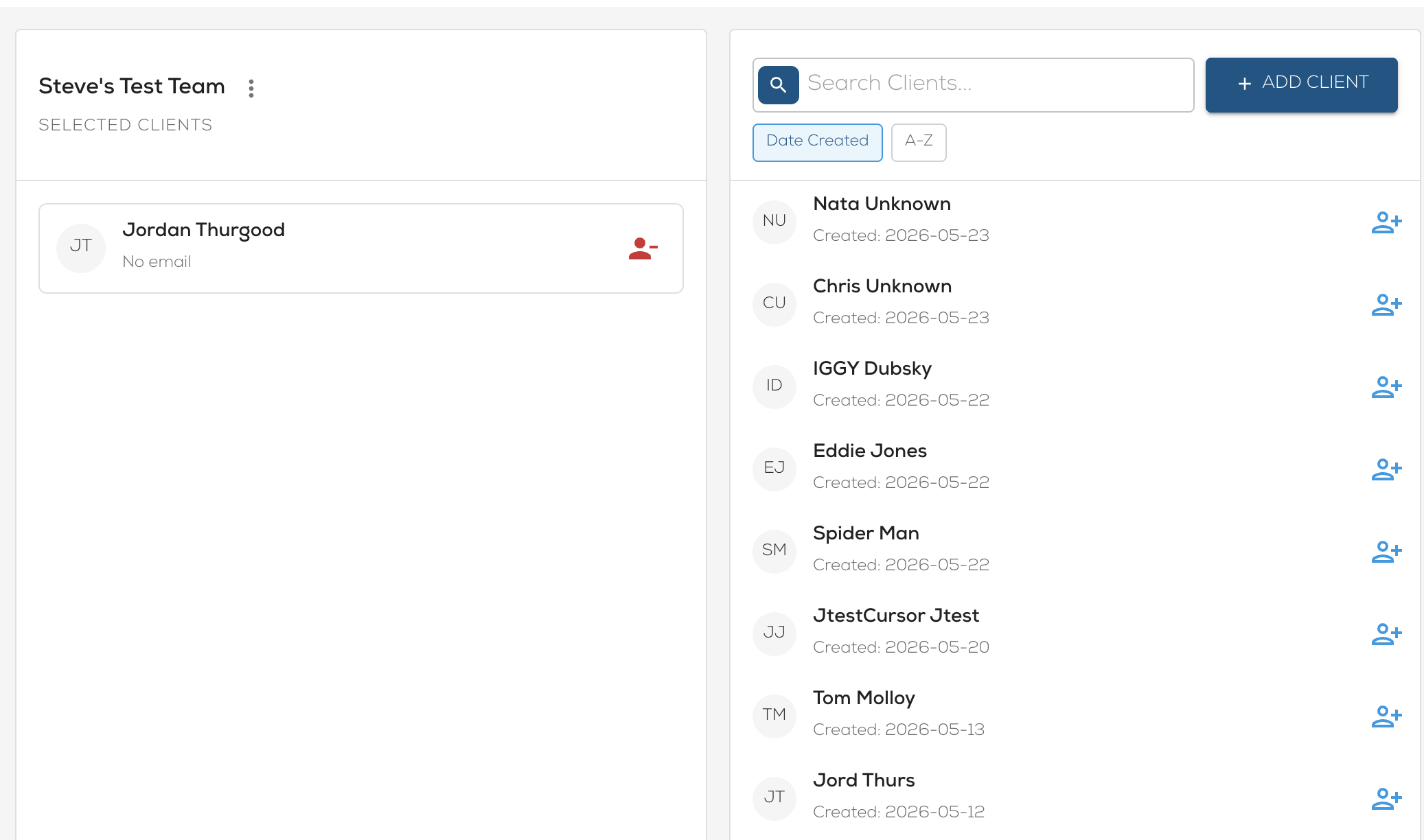
- Search and/or click on the athlete on the right to add to the team.
- Click on the athlete in the team list to remove from the team.
This team will now be available in the app in the team screening